

How to Sell Smartphone Screen Replacement Parts Online in Kenya and Get Paid by M-Pesa
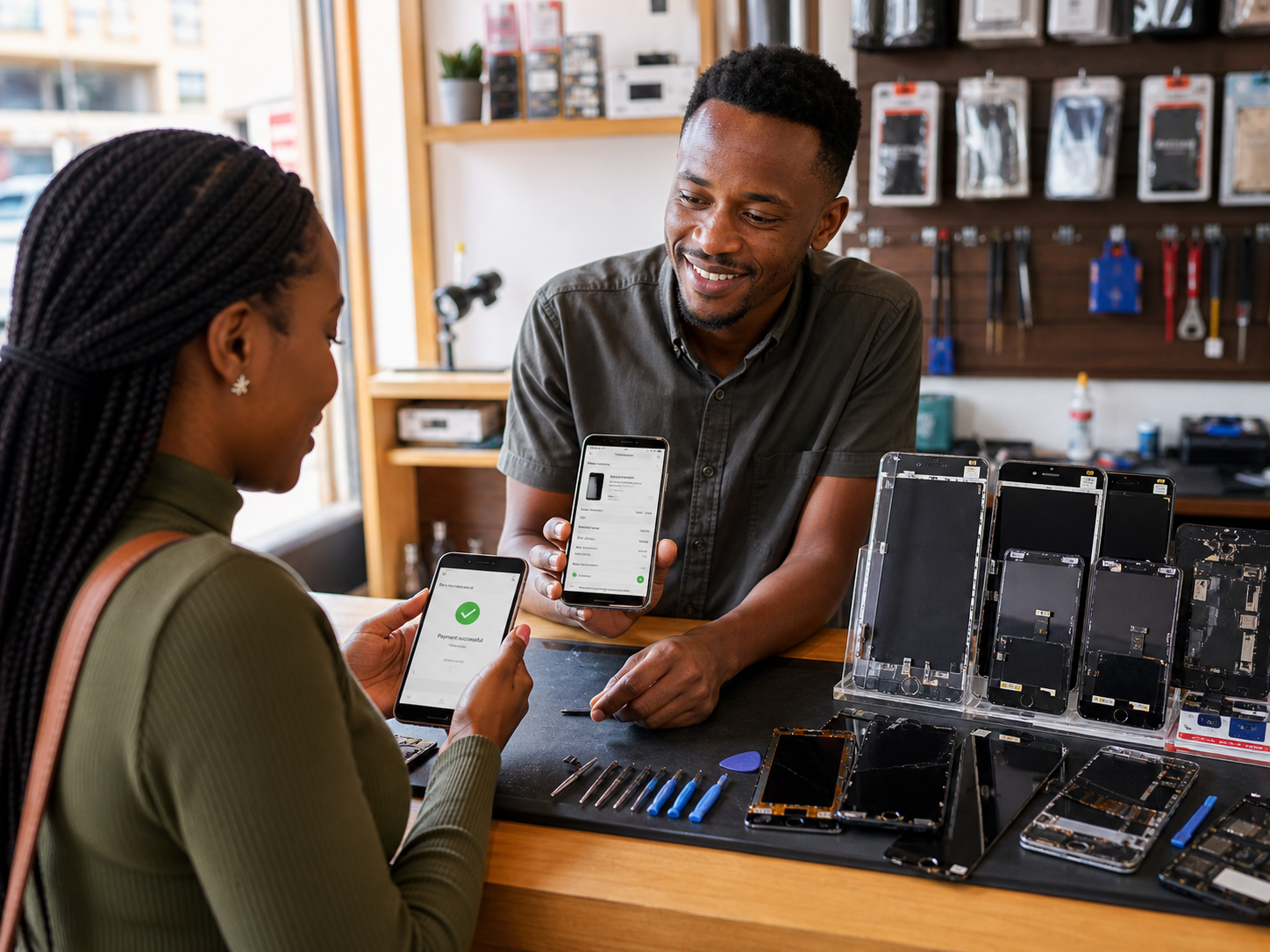
A cracked screen is an urgent buy, not a browse. Answer slowly and the next seller on Facebook takes the sale while your buyer waits. Sell smartphone screen replacement parts in Kenya with one product link that shows the part, the delivered price, and an M-Pesa prompt. The buyer pays without leaving the chat, so the order lands in minutes.
The local selling problem this solves best
A customer sends you a photo of a cracked screen at 9pm. They want three answers: is the part in stock, what is the total price including delivery, and how do they pay right now. The longer it takes you to answer those three questions, the more likely they are to try the next seller on Facebook.
Smartphone screen replacement parts are urgent, price-sensitive purchases. The customer is not browsing for fun; their phone is broken. The selling problem that "screen parts online Kenya with M-Pesa" solves best is the gap between a WhatsApp enquiry and a confirmed paid order. M-Pesa is the payment method most Kenyan online buyers expect to see, and when a buyer can pay without leaving the chat, the sale moves forward in minutes instead of days.
What sellers should know before starting
Selling screens online is not just about posting a photo. Buyers will ask about quality and guarantees, so you need to be ready before the first enquiry arrives.
- Part grade matters. Screens are commonly sold as original, compatible, or "high copy." Be honest about what you are selling. The Kenya Bureau of Standards sets product quality guidance, and a mismatch between what you promise and what you deliver will come back as a return or a bad word-of-mouth review.
- State the delivered price early. Your price should include delivery or clearly separate it. Kenyan buyers hate surprises at checkout.
- A payment is a business record. Every M-Pesa payment you collect is part of your taxable income. Keep records you can actually read at the end of the month.
- Buyer data is personal data. When customers send you their names, phone numbers and delivery locations, you are holding their information. The Office of the Data Protection Commissioner requires you to handle that data responsibly and with consent.
The payment decision: Till, Paybill or checkout link
Your choice of payment method determines how much manual work lands on your plate. Here is how the three main options compare for a small seller.
| Payment method | How the customer pays | Main strength | Main weak point |
|---|---|---|---|
| M-Pesa Till | Customer sends money to your Till number and sends you a screenshot | Quick to set up; every Kenyan buyer knows it | You match each screenshot to the right order yourself |
| M-Pesa Paybill | Customer enters your business number plus an account number (e.g., product code) | Good for separating payments per product | Buyers make typing mistakes; matching is still manual |
| Checkout link with M-Pesa | Customer opens your product link, confirms the order, and pays through an M-Pesa prompt | Order details travel with the payment; fewer "did you receive it?" messages | Needs a small setup and an updated stock list |
For a seller doing a few orders a week, a Till number is perfectly fine. But the moment you get ten or more enquiries a day from Instagram and Facebook, the screenshot-matching routine eats your evening. That is the constraint that pushes most screen sellers toward a checkout link, where the payment confirmation and the order details arrive together. The LinkDuka conversion path for product sellers follows this pattern: catalogue, product link, then M-Pesa checkout. For the full step-by-step on collecting payments from Kenyan buyers, see the LinkDuka guide on how to accept M-Pesa.
A realistic daily workflow for WhatsApp, Instagram and Facebook
Here is a payment flow that works with the way Kenyan mobile-first buyers actually behave.
On WhatsApp Business
- Reply with the part photo and a one-line answer: "In stock, KES 1,850 including delivery."
- Confirm the exact phone model before sending a payment request.
- Send your shop link or Till number as the next message.
- Wait for the M-Pesa confirmation message instead of trusting a screenshot.
- Reply with delivery day and time once payment reflects.
Pro tip: Never ask "are you ready to pay?" and then go silent. Send the payment step immediately. Speed is your competitive advantage.
On Instagram and Facebook
- Publish a catalogue using Meta Business Suite so customers can browse your parts without leaving Instagram.
- Reply to comments with a direct link and the price, not just "check DM."
- Post repair before - and-after photos, stock arrivals, and short videos showing the part in hand. Screen buyers want to see that you are a real seller, not a page with two blurry photos.
- Follow up once, politely: "Still available if you still need it." Then move on.
The promotion trick is repetition with proof. Post weekly, respond fast, and keep the same business name across WhatsApp, Facebook and Instagram so customers can verify you in more than one place. Setting up a Google Business Profile also helps local buyers confirm that you are a legitimate shop.
Explain payment to a customer in one clear message
The clearest way to explain the payment step is to remove all ambiguity in a single short message.
"Hi. The Samsung A15 screen is in stock at KES 1,850 including delivery. Pay through this link: [link]. Your M-Pesa payment confirms the order instantly. Which estate should I deliver to?"
This message works because it answers the three questions every buyer has: availability, price, and payment method. It also asks for the delivery location, which keeps the conversation moving toward dispatch. Do not send a paragraph explaining how M-Pesa works. Do not ask them to "pay the Till and send a screenshot" unless that is genuinely your system. The fewer steps between their thumb and the M-Pesa prompt, the better.
How to use this workflow to get more enquiries
A clean payment step does more than collect money; it makes your business look serious, and serious businesses get more enquiries.
- Put your shop link in your Instagram bio, Facebook page intro, and WhatsApp Business catalogue.
- Reply to public comments with the link and the price. Curious readers become buyers when they see a straightforward path.
- Share a one-line delivery promise such as "Nairobi same-day, upcountry 24-48 hours" so buyers know what they are paying for.
- Ask happy customers for permission to share a generic delivery-photo post without showing their names or numbers as proof that orders arrive.
What to look for in your payment setup
Before you commit to any payment method, check these points.
- Order details arrive with the payment. If you must match screenshots manually, your setup will break at volume.
- You can download monthly records. This matters for stock, pricing and tax time.
- Stock is marked on the product link. A buyer should never pay for a part you sold an hour ago.
- You have a defect policy. Screens can arrive with dead pixels or flex damage. Decide in advance whether you offer a replacement, a refund, or store credit.
- You have consent practices for buyer data. Save customer numbers only for order-related communication, and do not share them.
Common mistake: Using a personal M-Pesa number for business payments. Apart from mixing personal and business money, it makes records hard to retrieve and looks unprofessional when your payment name does not match your business name.
Compliance and record keeping for Kenyan sellers
Formalising your payment flow keeps you on the right side of Kenyan regulation.
- Register your business name with the Business Registration Service if you operate under a trade name, so you can invoice under a real business identity.
- Obtain a KRA PIN and keep accurate payment records. When you sell online, M-Pesa statements or your checkout tool's records serve as your sales ledger, and the Kenya Revenue Authority expects those records to match your returns.
- Follow data protection rules under the Office of the Data Protection Commissioner, especially if you plan to use customer phone numbers for future marketing.
- The Communications Authority of Kenya regulates the telecoms sector, and Safaricom sets the current terms for M-Pesa. For current Till and Paybill setup details and charges, check the official Safaricom M-Pesa pages rather than relying on old advice.
Getting started: your next steps
- Pick one payment path. Start with a Till if you test with a few orders per week, or go straight to a checkout link if you already receive many daily enquiries.
- List your five best-selling screen parts with their delivered prices.
- Set up a catalogue or simple product list so every part has its own link.
- Test the full flow with a friend or a family member before sharing it publicly.
- Put the link in your Instagram bio, Facebook intro and WhatsApp catalogue.
- Review your weekly payments and delivery times, then adjust.
The goal is not to have the most complicated payment system. It is to have one clear, repeatable step that converts a WhatsApp chat into a paid order. Choose the method that matches today's order volume, then upgrade the moment the screenshot-matching routine starts to slow you down.
Was this post helpful?
Discussion
Comments